

You load an embroidery design, check the size carefully, place it neatly inside the hoop—and your embroidery machine still refuses to stitch it.
This situation is extremely common, especially with home embroidery machines.
The reason is almost always the same:
Embroidery hoop size is not the same as usable embroidery area.
In this guide, I explain why hoop size and design size don’t match, how embroidery machines calculate safe stitching zones, and which design sizes actually work in practice.
All examples are based on real Brother embroidery hoops I use regularly.
Hoop size vs design size – what the machine really checks
The hoop size printed on your embroidery hoop describes the physical outer frame.
It tells you how large the hoop is, but not how much of that space can safely be stitched.
Before stitching starts, the embroidery machine calculates a smaller internal area called the usable embroidery area.
This area includes safety margins that protect the needle, presser foot, hoop holder, and embroidery arm during movement.
If a design exceeds this usable area—even slightly—the machine will reject it, even if it visually fits inside the hoop.
Why embroidery machines need safety margins
Every home embroidery machine uses internal safety margins.
These margins are not optional, and they are rarely explained in detail in the manual.
Safety margins are required for several reasons:
- Mechanical clearance for the needle and presser foot
- Movement limits of the embroidery arm
- Thread jumps and stitch direction changes
- Start and end point positioning
Brother embroidery machines are known for being especially conservative.
They don’t just check the outer size of a design, but calculate worst-case stitch paths before allowing it to run.
This makes them very reliable—but also confusing if you expect the full hoop size to be usable.
Safe embroidery area vs boundary area
Inside every embroidery hoop, there are two practical zones.
The safe embroidery area
Designs within this area will always stitch successfully, regardless of stitch order, start point, or complexity.
The boundary area
Some very simple designs may stitch slightly outside the safe area, depending on how they are digitized.
However, this is never guaranteed and should not be relied on when planning or sharing designs.
For consistent results, always treat the safe area as your true maximum design size.
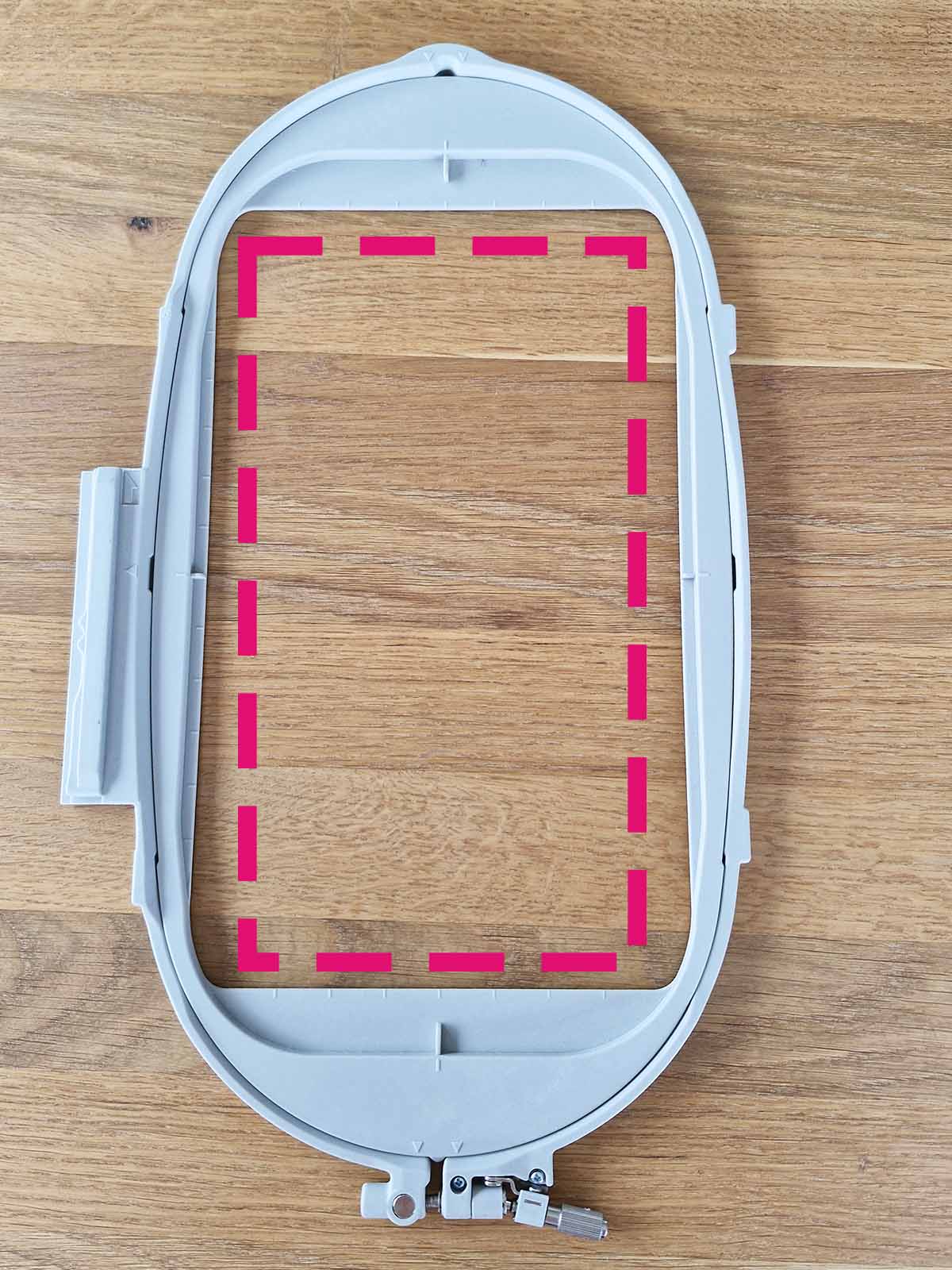
Brother embroidery hoops – real usable areas
The following sections show the Brother embroidery hoops I use most often.
For each hoop, I explain the physical size and the practical maximum design size that works reliably.
Large Brother hoop (260 × 160 mm)
This is the largest standard Brother hoop I use regularly.
While the physical frame measures 260 × 160 mm, the usable embroidery area is smaller—especially along the long side.
For reliable results, I keep designs within approximately 240 × 140 mm.
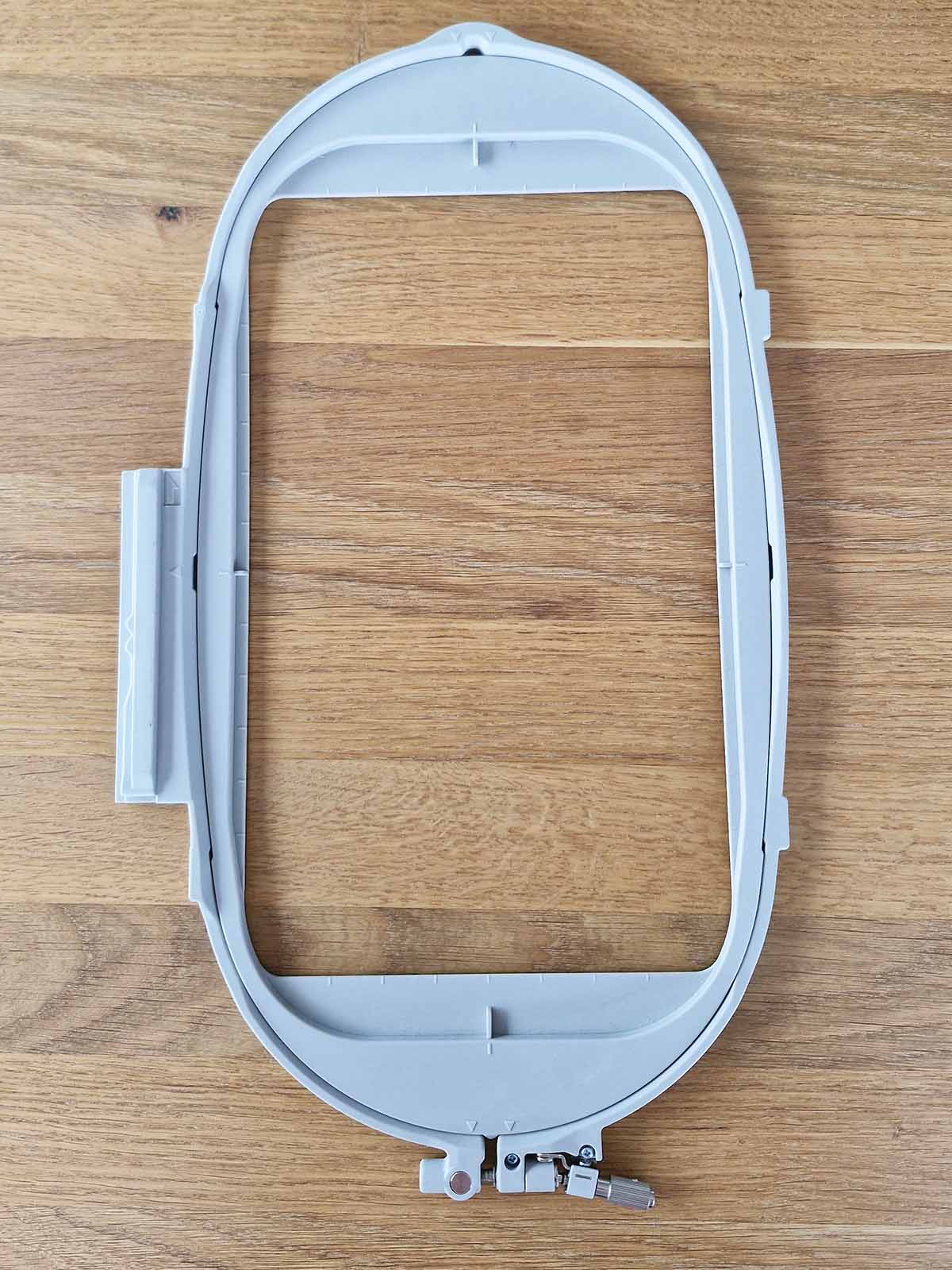
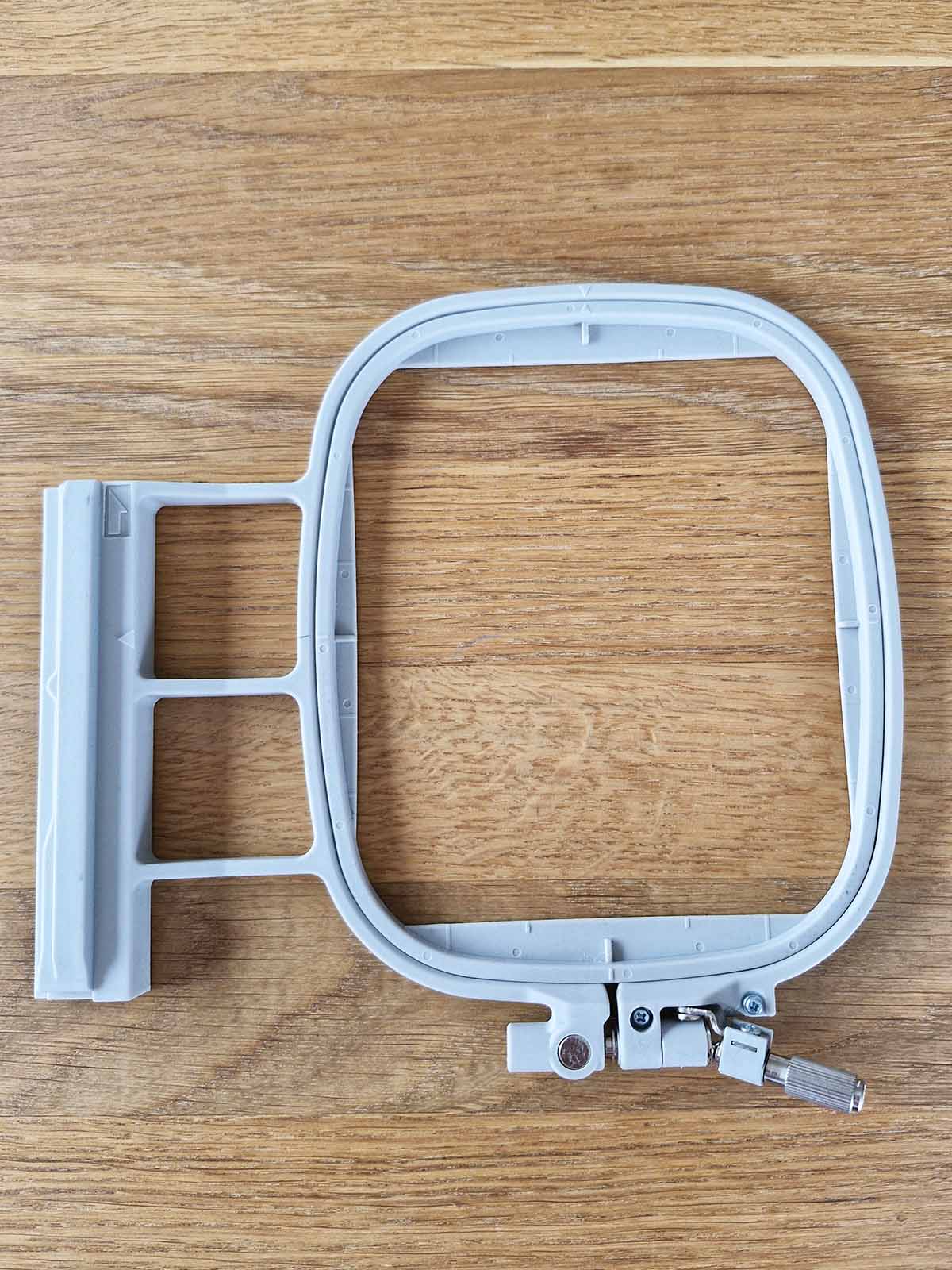
Medium Brother hoop (160 × 180 mm)
This hoop is often described as a “16 × 18 cm hoop”, which leads many users to assume that designs close to that size will work.
In practice, Brother machines require a generous safety margin.
I recommend staying within 130 × 140 mm for consistent, error-free stitching.
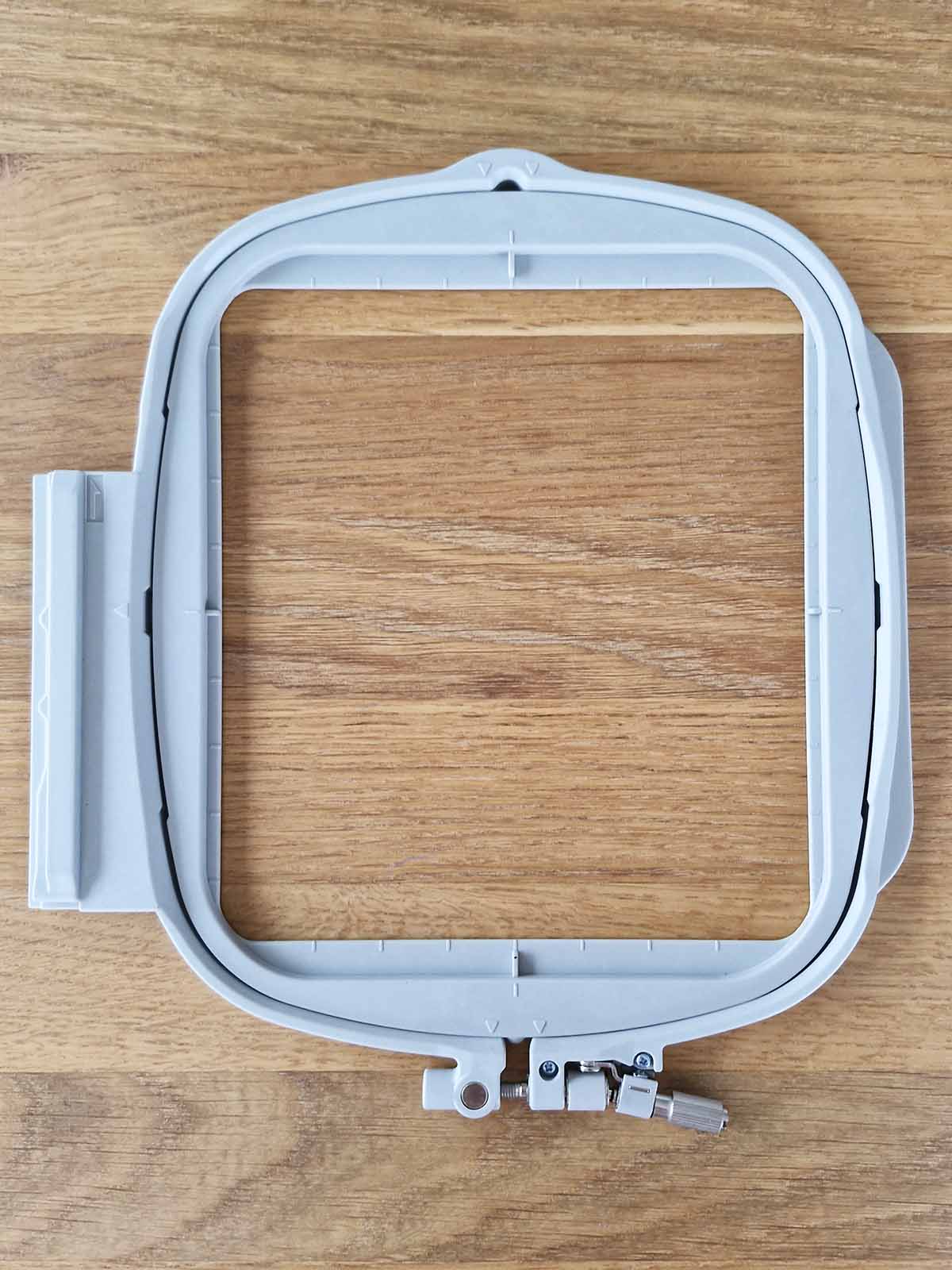
Magnetic Brother hoop (160 × 180 mm)
This magnetic hoop came with my machine as part of a special offer.
I use it very frequently because the fabric snaps into place quickly and evenly, without adjusting screws.
The usable embroidery area is identical to the standard 160 × 180 mm hoop.
One important note: the magnets are very strong, so be careful not to pinch your fingers when closing the frame—especially when small children are nearby, as their fingers are much smaller and more vulnerable.
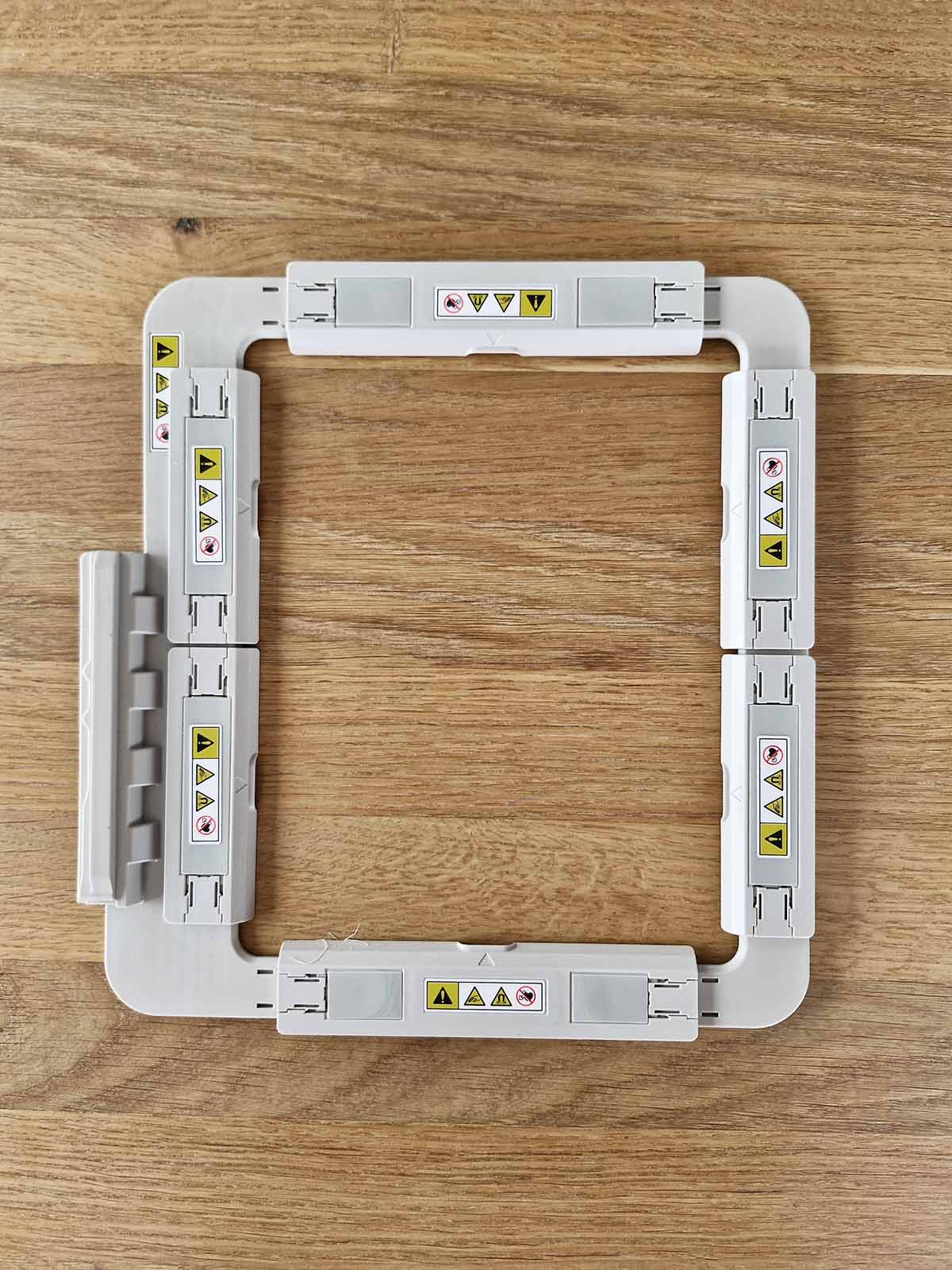
Small Brother hoop (100 × 100 mm)
The 100 × 100 mm hoop is ideal for small designs and detail work.
Because of the built-in safety margin, the usable embroidery area is closer to 90 × 90 mm.
This hoop is very forgiving as long as designs stay within that range.
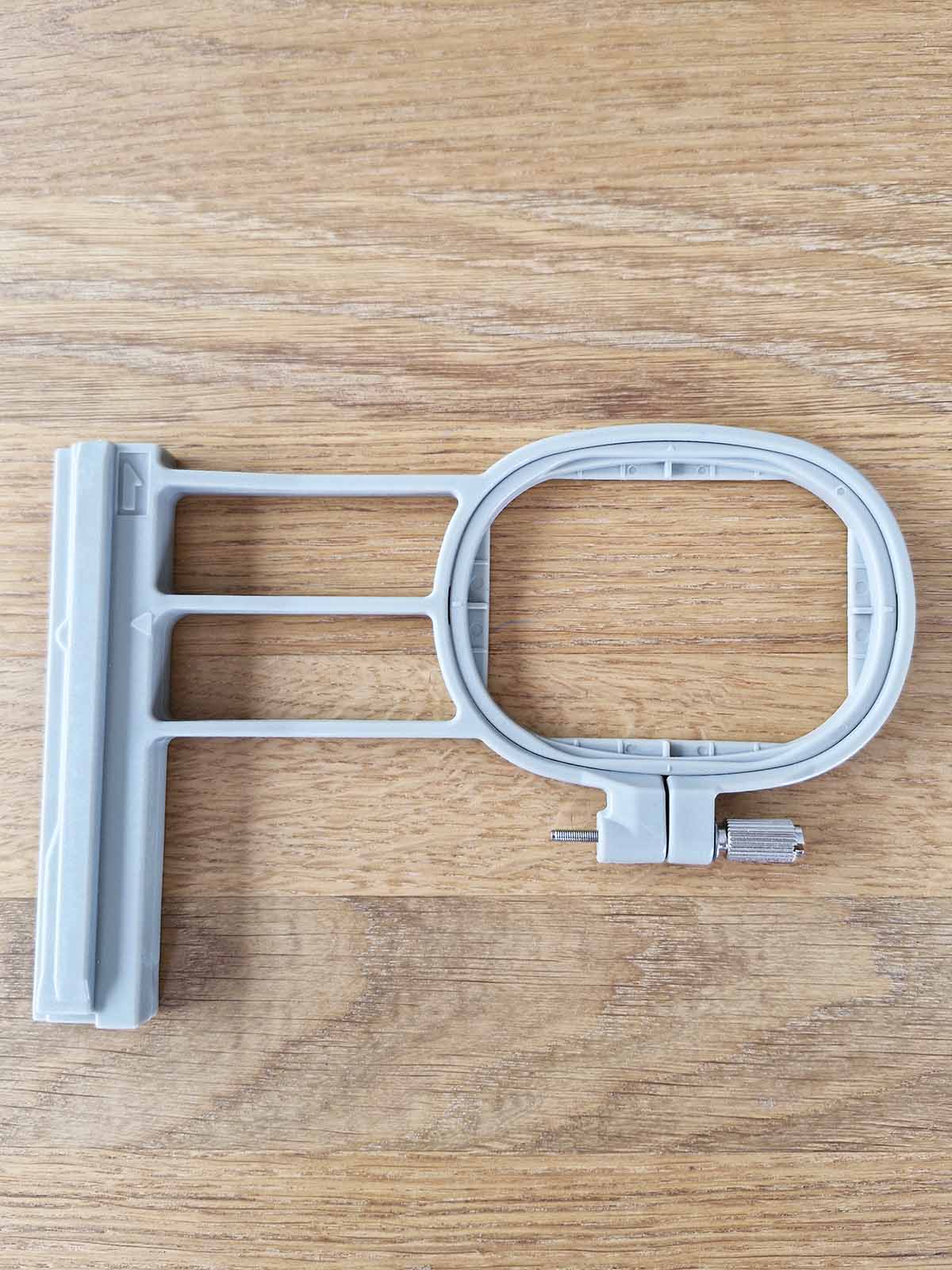
Mini Brother hoop (20 × 60 mm)
This very small hoop is designed for narrow embroidery placements.
Even here, the usable embroidery area is slightly smaller than the physical frame.
For best results, keep designs within approximately 18 × 55 mm.
Safe maximum design sizes – overview
| Brother hoop type | Official hoop size | Safe usable embroidery area | Notes |
|---|---|---|---|
| Mini hoop | 20 × 60 mm | approx. 18 × 55 mm | Best for narrow motifs and lettering |
| Small hoop | 100 × 100 mm | approx. 90 × 90 mm | Very forgiving for small designs |
| Medium hoop | 160 × 180 mm | approx. 130 × 140 mm | Requires generous safety margins |
| Magnetic medium hoop | 160 × 180 mm | approx. 130 × 140 mm | Same usable area as standard hoop |
| Large hoop | 260 × 160 mm | approx. 240 × 140 mm | Long side limits usable width |
FAQ – embroidery hoop size and design limits
Why doesn’t my embroidery design fit the hoop?
Because the machine checks the usable embroidery area, not the physical hoop size.
If a design exceeds that area, the machine will reject it.
Does a magnetic hoop allow larger designs?
No. Magnetic hoops make hooping easier, but the usable embroidery area remains the same as with standard hoops of the same size.
Is this only a Brother issue?
No. All embroidery machines use safety margins.
Brother machines are simply more conservative in how strictly they enforce them.


Leave A Comment